
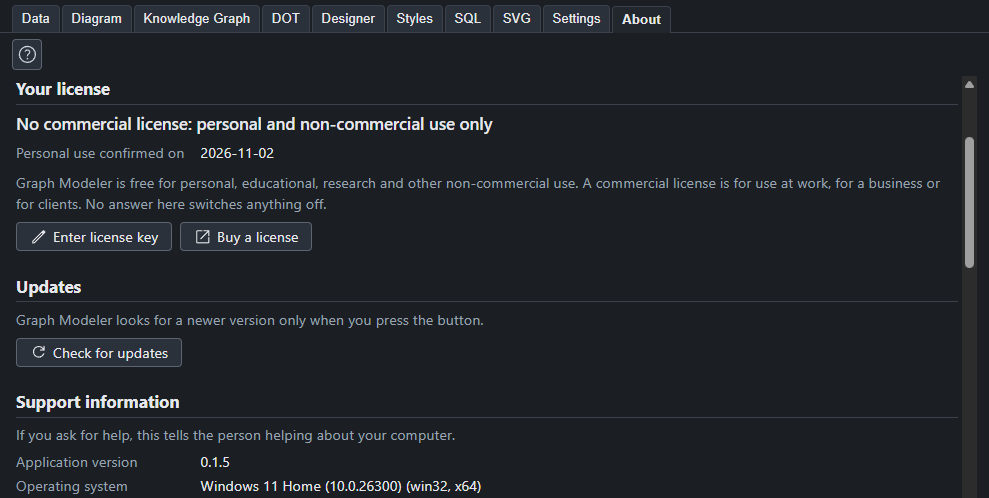
Appearance
The About tab
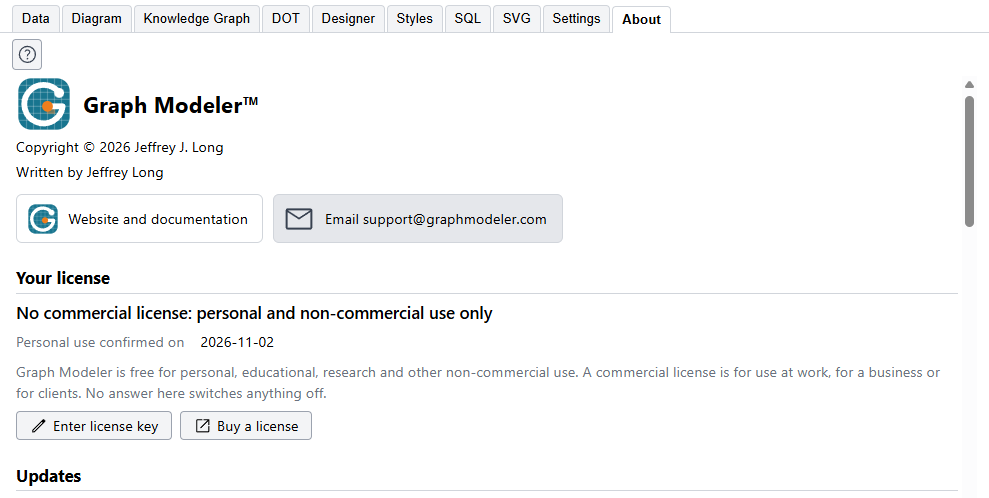
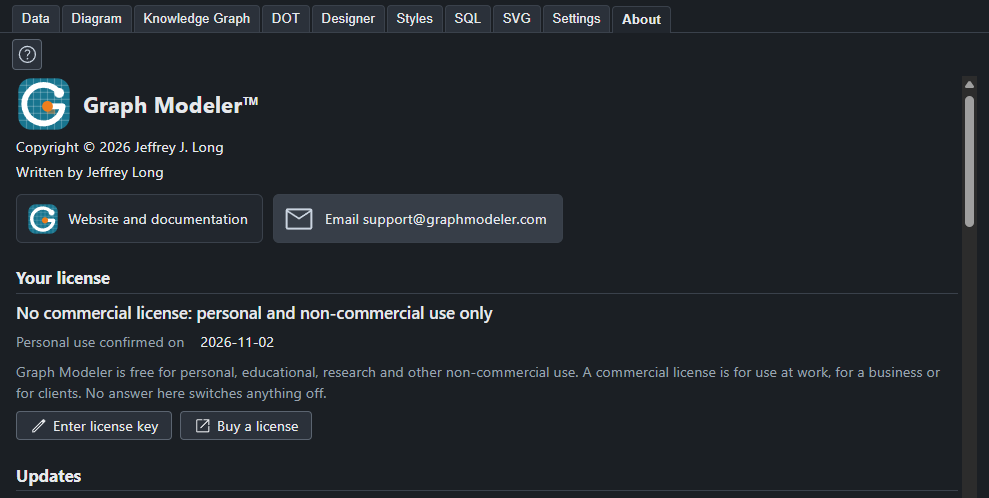
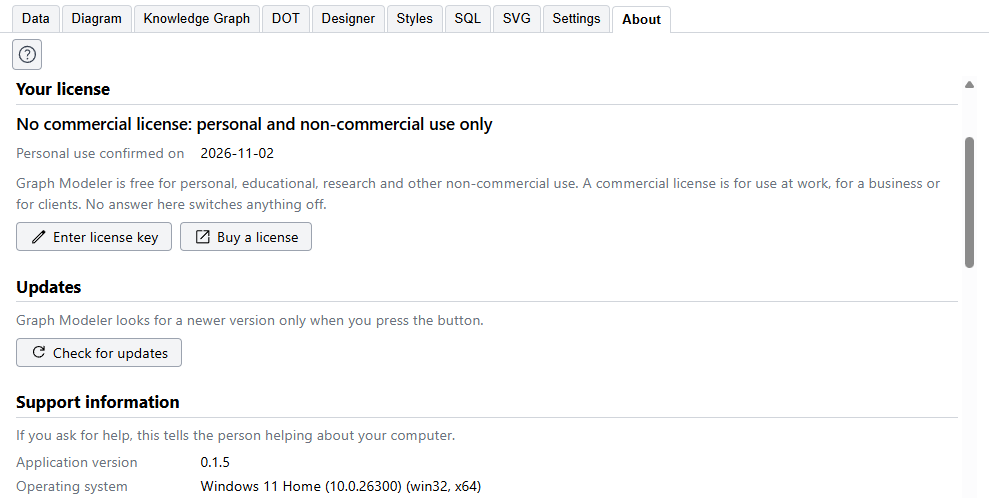
The About tab says what you are running, whether it has a commercial license, who made it, and what it is built on.
Your license
Graph Modeler is free for personal, educational, research and other non-commercial use, and a commercial license is for use at work, for a business or for clients. The first time the program starts it asks which applies to you, and this section shows the answer. Nothing is switched off, whichever you choose.
The first time it starts
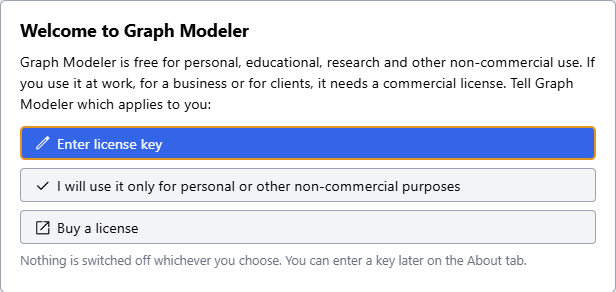
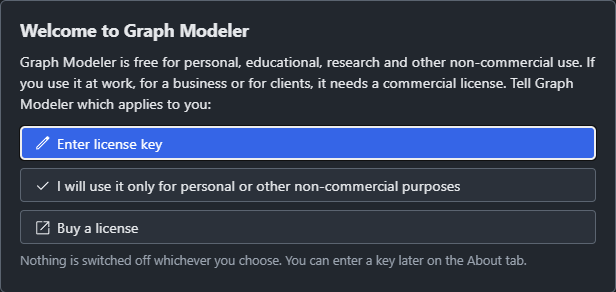
There are three choices:
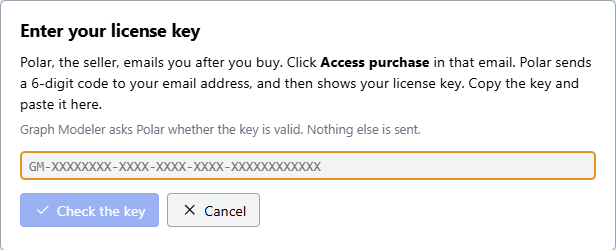
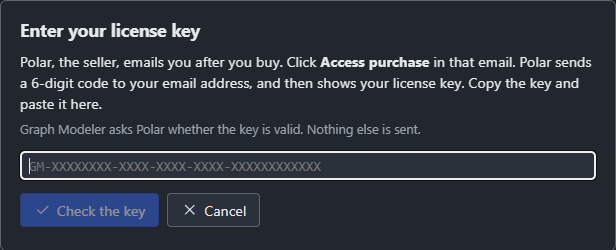
- Enter license key is for a commercial license you have bought. See below for how to get the key. The box takes the key and asks Polar whether it is valid.
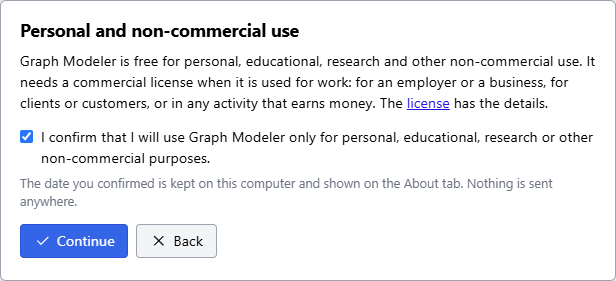
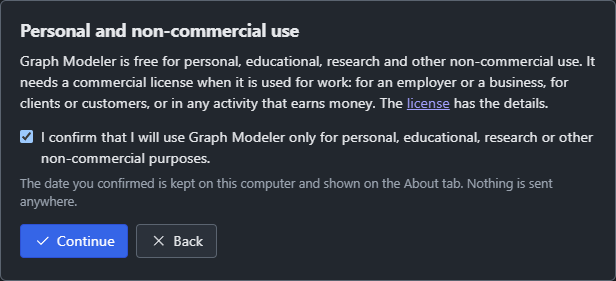
- I will use it only for personal or other non-commercial purposes goes on to one more step, which says what the license covers and asks you to tick a box that confirms it. Continue stays off until the box is ticked. The date you confirmed is kept on your computer and shown here on the About tab. Nothing is sent anywhere.
- Buy a license opens the Pricing page in your browser, where the price and the buy button are.
If you close the question without answering, it asks again the next time the program starts. You can enter a key at any time from this tab.
| It says | It means |
|---|---|
| Licensed for commercial use | A commercial license key was entered and Polar accepted it. It shows who the license is for, the key with most of it hidden, and the date it was last checked. |
| Licensed for non-commercial use | A key for free non-commercial use was entered. It shows the same lines. |
| No commercial license: personal and non-commercial use only | You confirmed free personal use, on the date shown. A choice made in an earlier beta, before the confirmation existed, shows "chosen" in place of "confirmed". |
| No commercial license | You have not answered the question yet. |
The buttons:
- Enter license key takes the key you copied. After you buy, Polar emails you a link, Access purchase, which sends a 6-digit code to your email address and then shows your key. The program asks Polar whether the key is valid, and keeps it only if it is.
- Check now asks Polar again at once. Otherwise a key is checked when you enter it and about every 30 days when the program starts.
- Enter another key and Remove key change or clear the key.
- Buy a license opens the Pricing page in your browser. The License page has the full text of the license.
If Polar cannot be reached, because you are offline or behind a firewall, nothing changes: the program keeps the last result and no message is shown. Only when Polar says the key is no longer active, for example after a refund, does the program take the key off and ask the first question again, with the reason. It can still be used under the free terms.
The key and its details are kept in a plain file, license.json, in the folder the Data folder line of the support information shows. You can read it, and you can delete it. The Privacy Policy says what is sent to Polar, which is the key and nothing else. The status also goes onto the clipboard with Copy, so a support request or a compliance check can show it.
Updates
Check for updates asks whether a newer version of Graph Modeler has been released. It does this only when you press it, never by itself. If there is one, it says which, and a link opens the Download page in your browser. The program does not download or install anything itself.
Support information
If you ask for help, this tells the person helping about your computer: the version of Graph Modeler, the operating system, the language, the versions of Electron, Chromium and Node that the app runs on, which Graphviz it found, the folder where it keeps its data, and the project file that is open. Copy puts all of it on the clipboard, ready to paste into a message to support.
The Graphviz line is the quickest way to see whether the app found Graphviz and which version it is. It says not found when it did not.
Built with
Graph Modeler relies on the work of others, and this section lists each piece with what the app uses it for, its license and a link:
- Graphviz, which draws every diagram. It is installed separately and is not part of the app.
- Material Symbols from Google, for the icons.
- dynamic-SVG-from-Graphviz by Bart Brood, the basis of the standard SVG rules.
- ColorBrewer by Cynthia Brewer and others, for the color schemes in the Designer.
- Electron, Angular, RevoGrid, mdb-reader, read-excel-file, RxJS and tslib, which the app is built on.
Each of their licenses is shown, with any notice the license asks to be displayed.
The license
At the bottom is the license of Graph Modeler itself. It is also on the License page.
The website button at the top of the window, the question mark in the banner, opens this site, and the question mark on each tab opens the documentation page for that tab.